
Scan a dish or a handwritten recipe
Point your camera at a plate of food, a recipe card, a cookbook page or a screenshot.
The camera is the fastest way in when there's no link: a dish at a restaurant, grandma's recipe card, or a page from a cookbook.
How to scan
- In My Recipes, tap +, then Scan Recipe.
- Point at the dish or the recipe and take the photo. To use a photo you already have, tap the gallery button instead.
- RecipeOwl checks the capured image. When it says Dish found or Recipe found, tap Import.
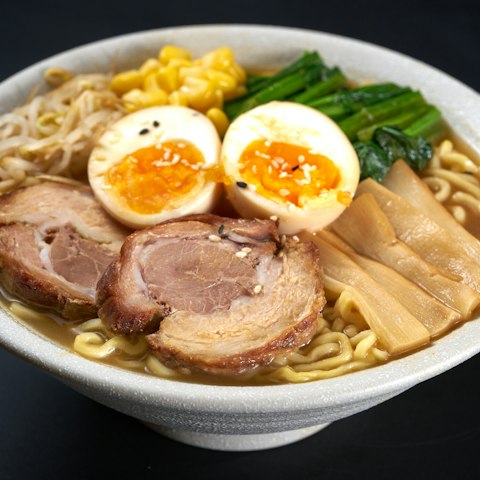
The import then runs like any other, with a progress card in My Recipes.
Tip: add RecipeOwl's Scan control to Control Center to open the camera straight from anywhere.
What you can scan
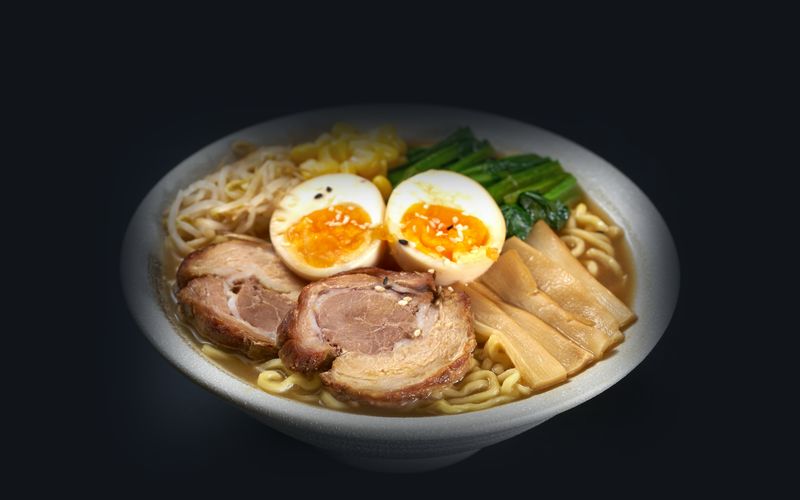
- A plate of food. RecipeOwl works out the dish and writes a recipe for it.
- A handwritten recipe, like a card or a notebook page.
- A printed recipe from a cookbook or magazine.
- A screenshot of a recipe.
If it asks you to retake
- Only part of the recipe is in frame: step back so the whole recipe fits.
- Multiple dishes detected: frame just one dish.
- That looks like an ingredient: scan the finished dish, not a single ingredient.
- That looks like a packaged product: scan a recipe or a cooked dish instead.
- Couldn't recognize a dish: try using better lighting, turn on the flashlight, and fill the frame.
If you see Camera access is off, tap Open Settings and allow Camera for RecipeOwl.
Still stuck?
Email us if you have any other problems.