
Collections and sharing
Group recipes into collections, give them a look, and share a recipe or a whole collection with a link.
Collections are shelves for your recipes: weeknight dinners, holiday baking, things to try. A recipe can sit in as many collections as you like.
Create a collection
In My Recipes, tap Collections, then +. Give it a name and, if you like, a description, a cover photo, one of six fonts and an accent color. Tap Create.
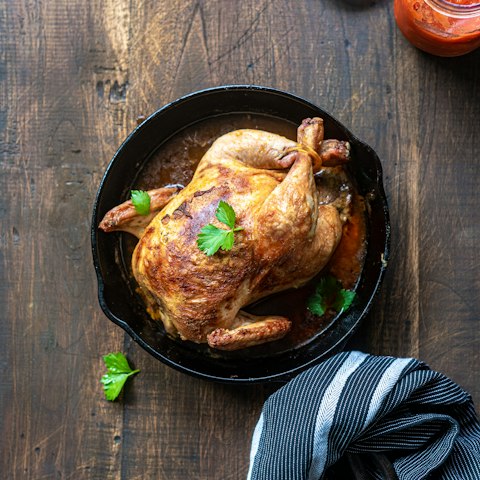
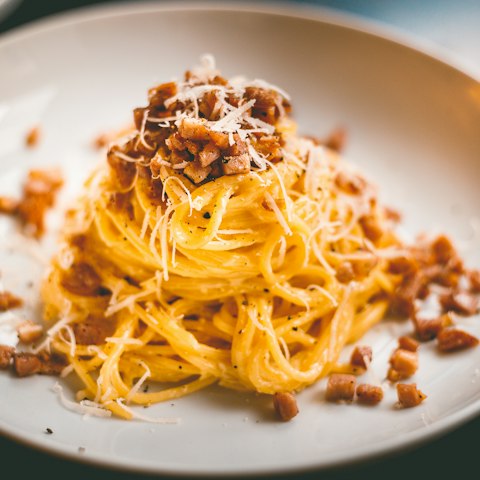
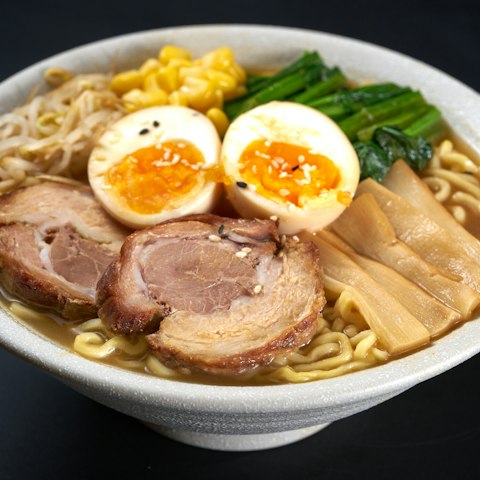
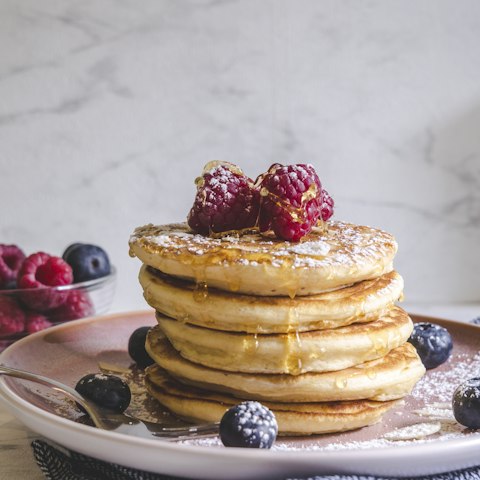

Add and remove recipes
- From the collection: tap +, tap the recipes to add, then Done.
- From a recipe: tap •••, then Collection, and pick one (or tap New).
- To take recipes out, touch and hold a recipe and tap Remove, or use Select to remove several. They stay in My Recipes.
Deleting a collection never deletes its recipes.
Share
- A recipe: tap the share button at the top of the recipe.
- A collection: open it, tap •••, then Share.
Links open as a full page in any browser, so the people you send them to don't need the app. A shared collection is read-only for them.
Find things in My Recipes
- Search by recipe name with the magnifying glass.
- Filter by time or cuisine with the filter button.
- Sort by Recent, Name or Quickest in Settings → General → Sort recipes by.
Removing a recipe
Tap the heart on a recipe, or ••• then Remove. This also takes it out of your collections and meal plan, and clears your notes on it.
Still stuck?
Email us if you have any other problems.